Myreader for iPhone

Your library, in your pocket

Ask across everything you've uploaded and get the page each answer comes from. Or just listen to it on the go.


Download Myreader on the App Store
QR code for Myreader on the App Store

On a computer? Scan with your iPhone camera.
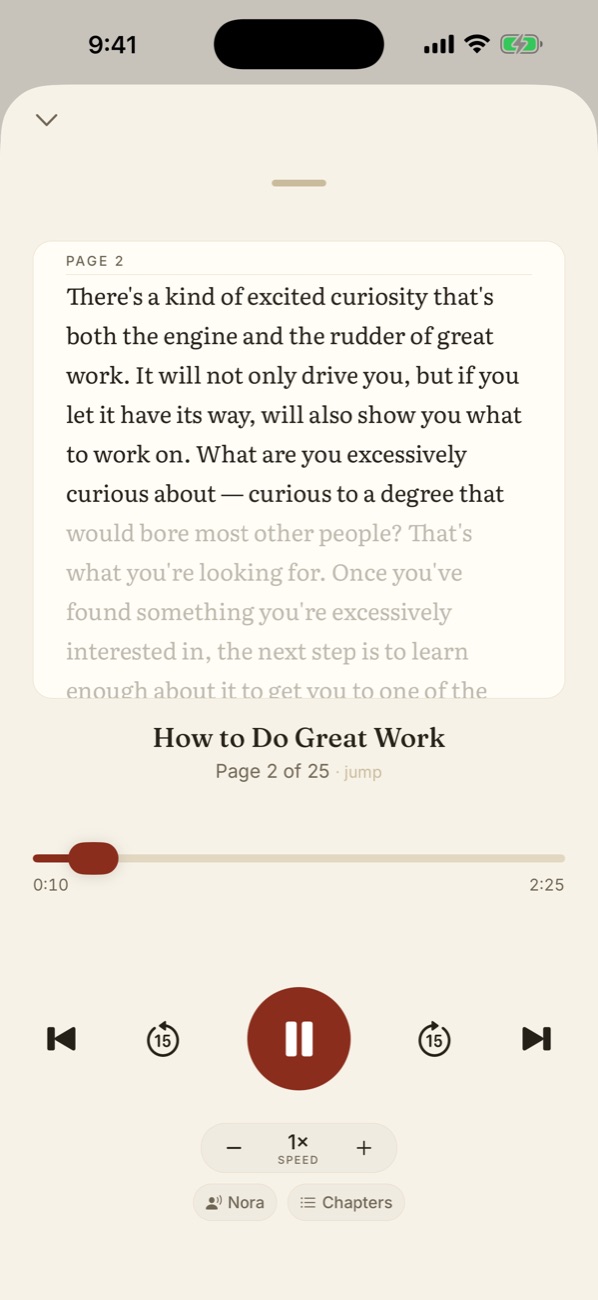
The Myreader audio player showing the page text while it plays

Listen with the text in front of you

Turn any book into audio with natural voices. Follow along on the page, change the speed, and skip by chapter.

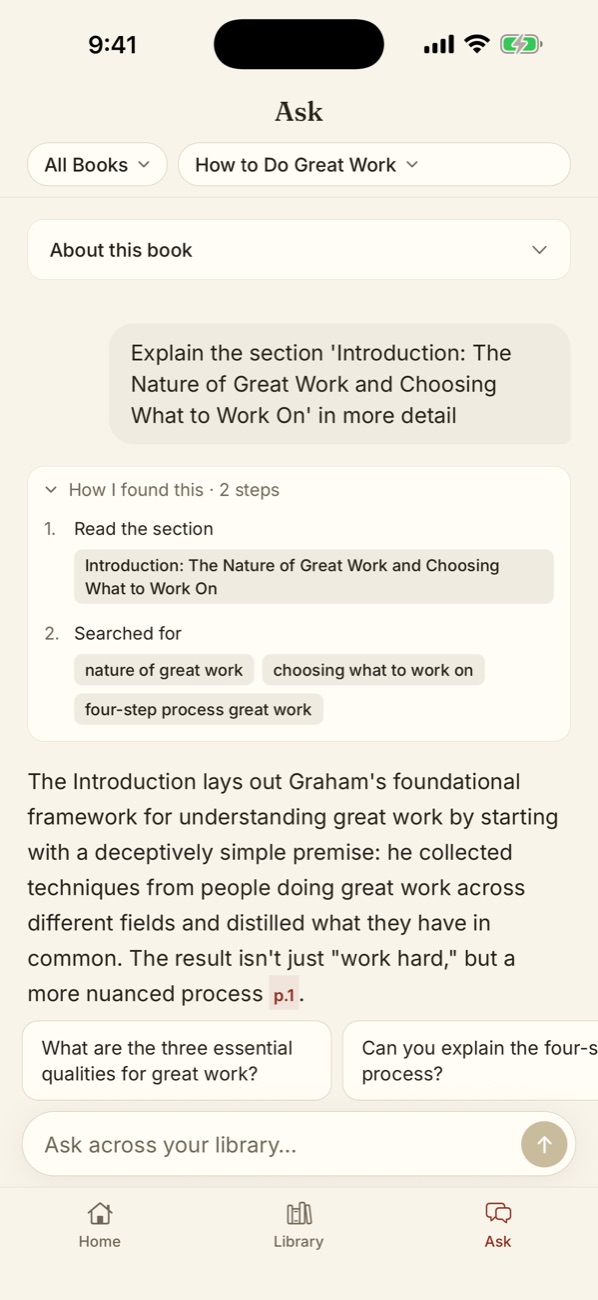
Asking a question in the Myreader app, with the answer citing page 1

Ask across your library

Ask one book or all of them. Every answer shows how it was found and the page it's on, so you can check it in seconds.

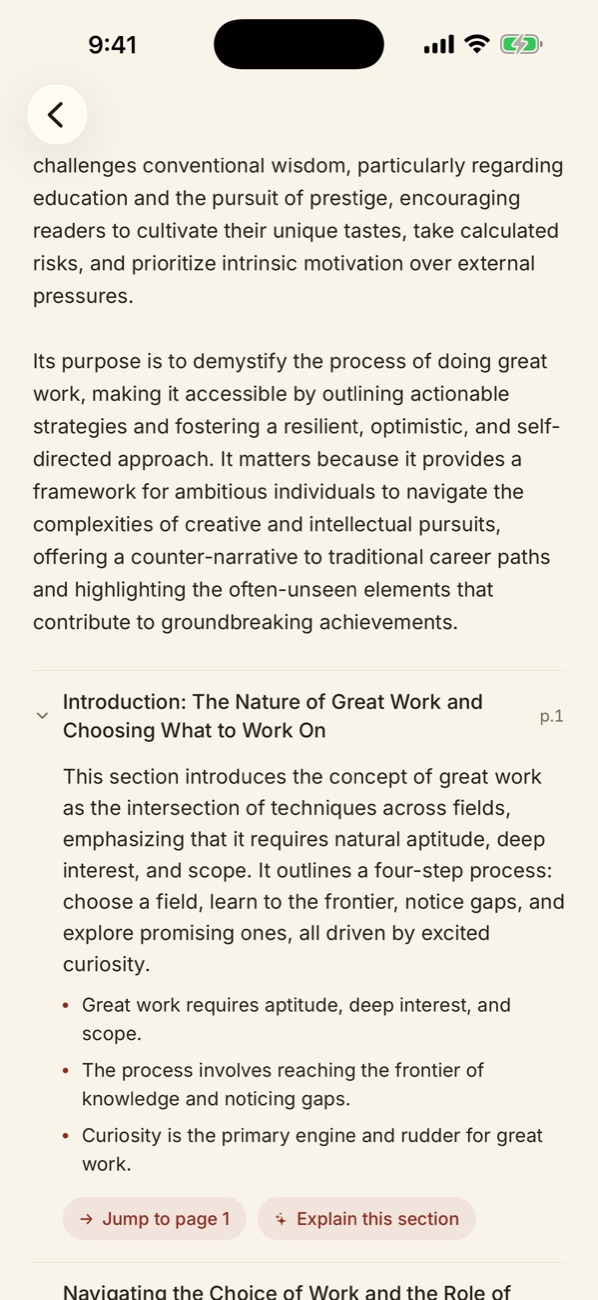
Section-by-section summary of a book in the Myreader app

Section-by-section summaries

See what each section covers before you read it. Jump straight to the page, or tap to have a section explained.

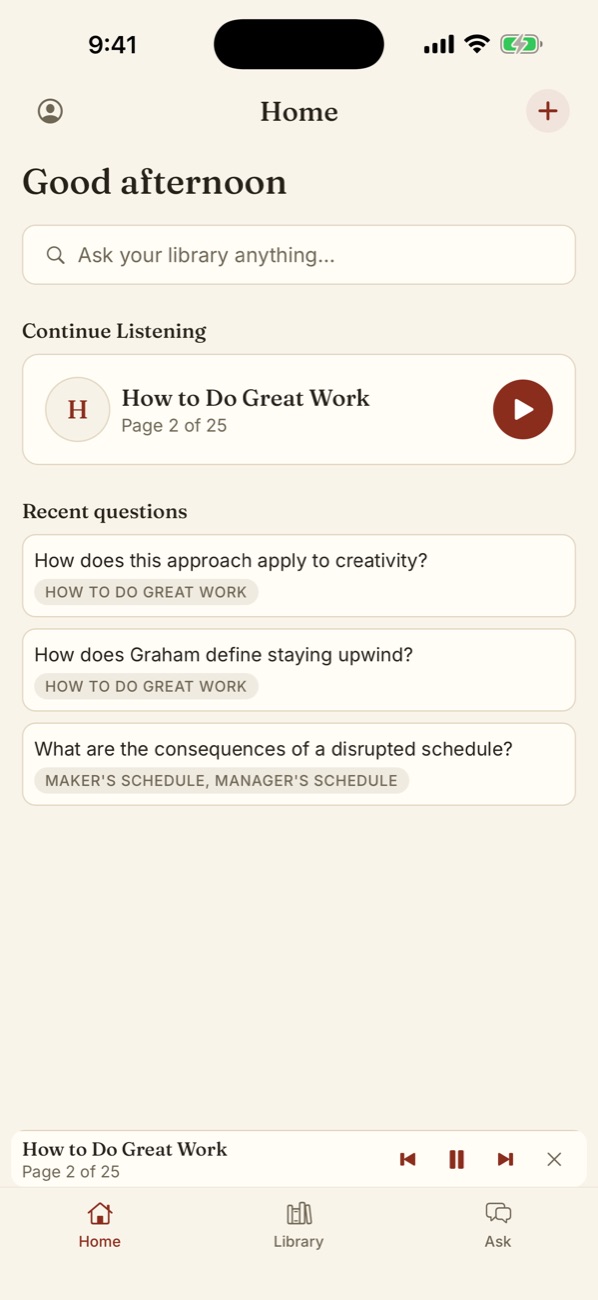
Myreader home screen with continue listening and recent questions

Pick up where you left off

Same account, same library as the web. Everything you upload on your computer is on your phone, and Continue Listening keeps your place.

Myreader for iPhone. Ask and listen on the go.

Download Myreader on the App Store

Ready to Transform Your Reading?

Join 100,000+ users who are already saving hours with AI-powered reading

Try for free now